Minimal. Fast.
Scrollable Tiling.
A personal Arch Linux desktop setup built for efficiency with Niri. Dynamic wallpaper colors, GPU terminals, and an infinite horizontal ribbon.
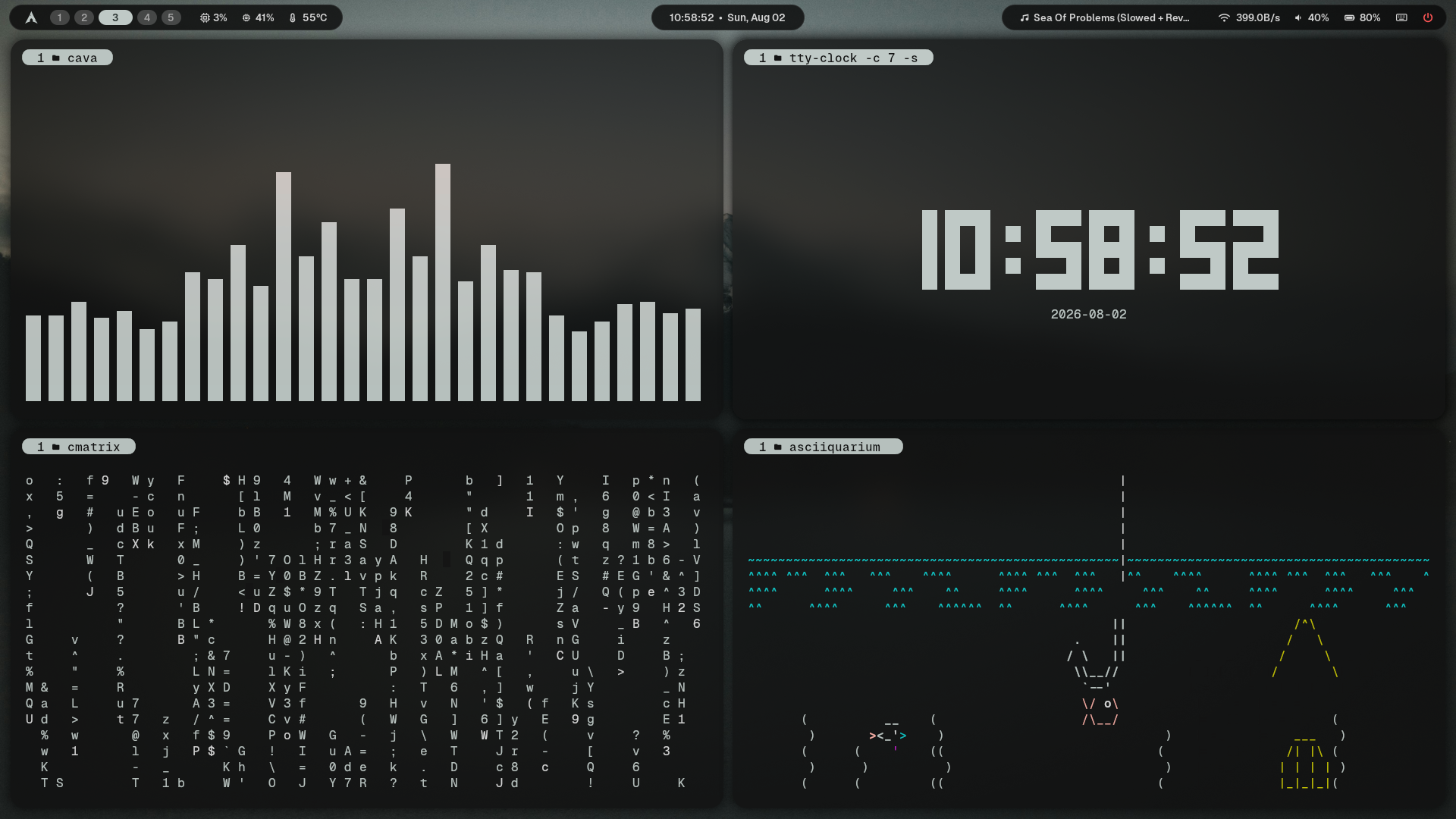
Overview
A clean, keyboard-focused setup for daily work. Everything is synced to wallpaper colors and stays out of your way.
Dynamic Theming
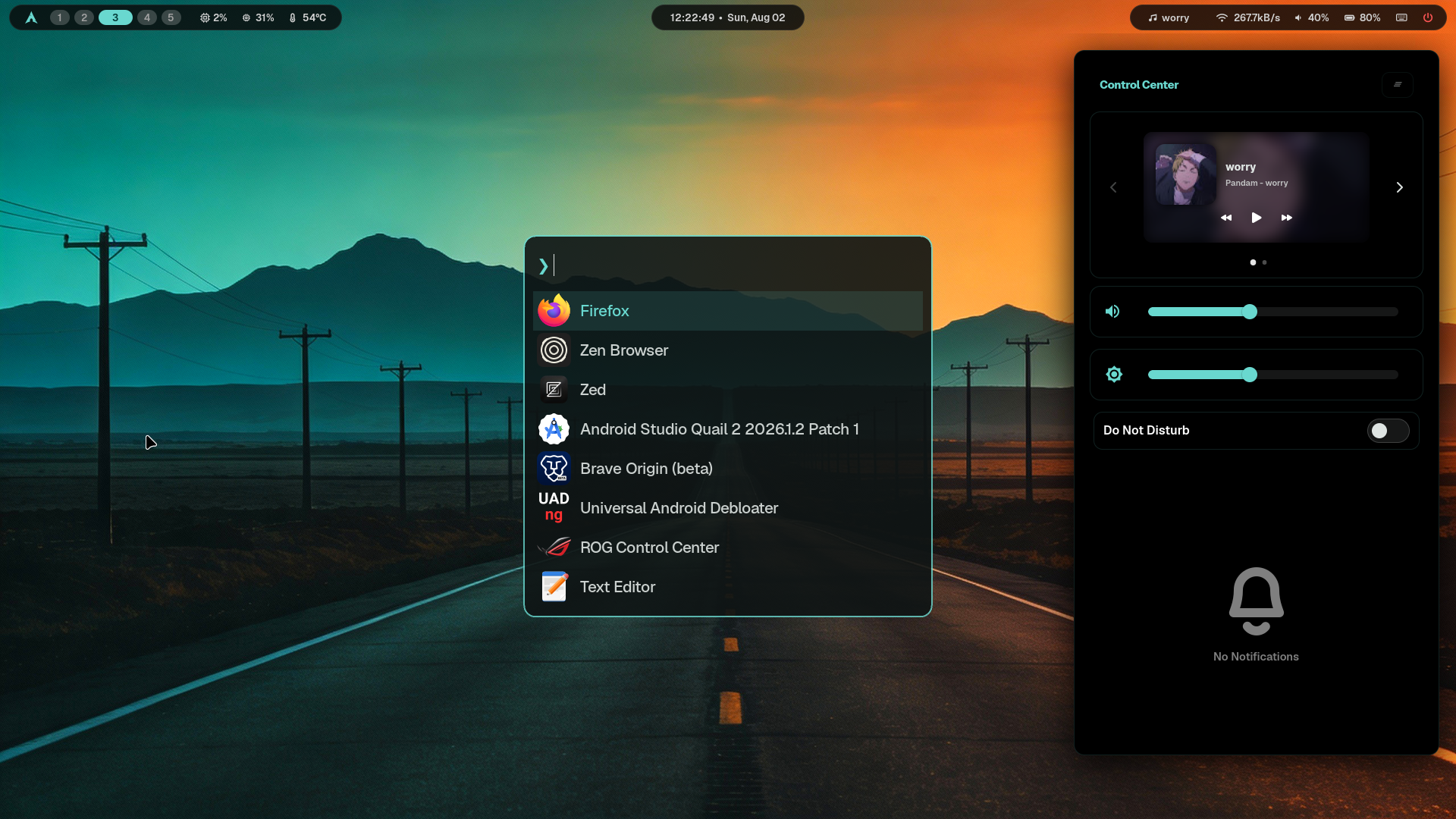
Colors are automatically generated from your active wallpaper using Matugen. The whole system updates instantly.
Terminal Environment
Fast Zsh & Fish setup with fzf fuzzy finding, zoxide directory jumping, and syntax highlighting.
Scrollable Ribbon
Infinite horizontal workspace flow powered natively by Niri. Windows never get cramped or squished.
Window Management
Simple column navigation, smooth desktop overview on Alt+Tab, and zero lag.
UI Suite
A unified Wayland suite featuring Waybar, SwayNC, and Fuzzel. Everything strictly follows the system color scheme.
Hardware Tips & Tweaks
Since these dotfiles are customized for my laptop, here are a few things you might want to adjust for yours:
1. Dual-Boot Hard Drive Paths
My file search scripts check specific partition mount paths. If you do not have those, update them to your own folders.
Fix: Open project_launcher.sh and file_search.sh to set your paths.
2. Waybar Hardware Sensors
My Waybar setup uses direct sensor paths for CPU temps and battery status.
Fix: Open config.jsonc. In the temperature module, remove hwmon-path-abs for auto-detection. Check if your battery is BAT0 or BAT1.
3. Monitor Configuration
My configuration sets my internal display (eDP-1) to 144Hz.
Fix: Open config.kdl and adjust the output "eDP-1" block for your display.
Installation
Run the setup script on a fresh Arch Linux installation. It will symlink configurations directly to your ~/.config/ folder.
git clone https://github.com/insaneodyssey26/dotfiles.git ~/dotfiles
cd ~/dotfiles
./setup.sh